Compatible devices
IPTV-compatible devices in Quebec
An overview of common devices and what to check before installing a player app.
Smart TVs
- Samsung (Tizen): apps from the Samsung Smart Hub.
- LG (webOS): apps from the LG Content Store.
- Android TV and Google TV sets (Sony, TCL, Hisense, etc.): Google Play Store.
- Check the model year — older TVs don’t always get recent apps.
Streaming boxes & sticks
- Certified Android TV and Google TV boxes: Google Play Store.
- Amazon Fire TV: Amazon Appstore.
- Apple TV: tvOS App Store.
- Prefer certified devices that still receive security updates.
Phones & tablets
- Android: Google Play Store.
- iPhone and iPad: App Store.
- Casting to a TV (Chromecast or AirPlay) depends on the app and the provider.
Computers
- Windows and macOS: desktop player apps or a compatible web player.
- An up-to-date browser (Chrome, Edge, Firefox, Safari) is recommended.
- Connect the computer to a TV over HDMI if needed.
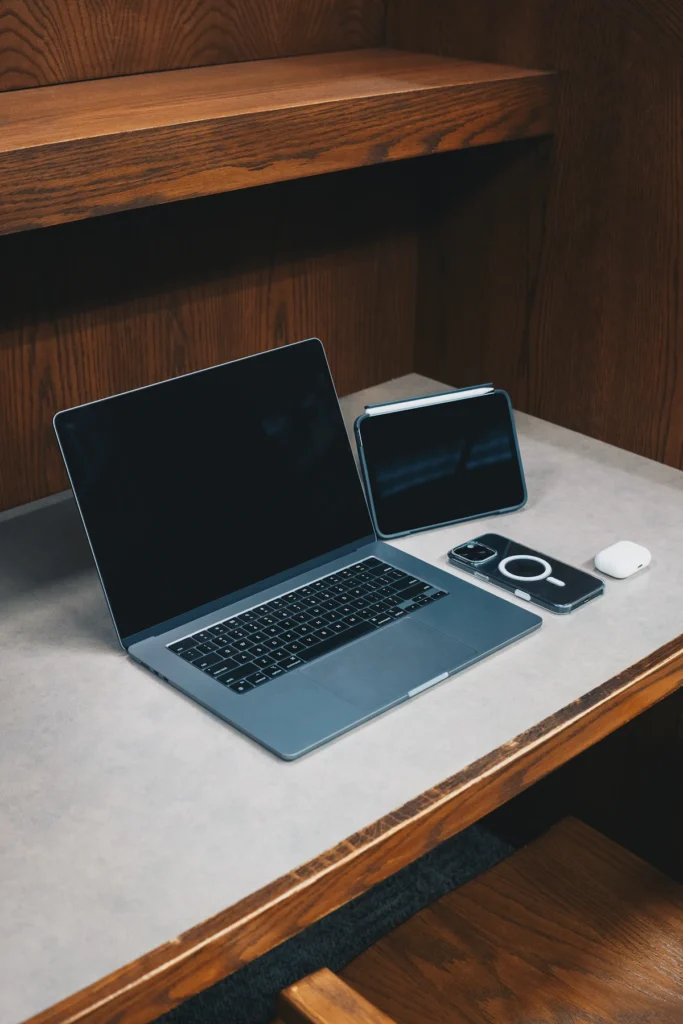
Photo: Esteban Bonilla on Unsplash
Before you install: checklist
- Your device’s software is up to date.
- The player app is available in your device’s official app store.
- Your provider supports that app or format.
- Your internet connection is fast enough for the picture quality you want.
We don’t recommend installing apps from unknown sources or modifying your device’s system software — it can compromise security.